Hello!
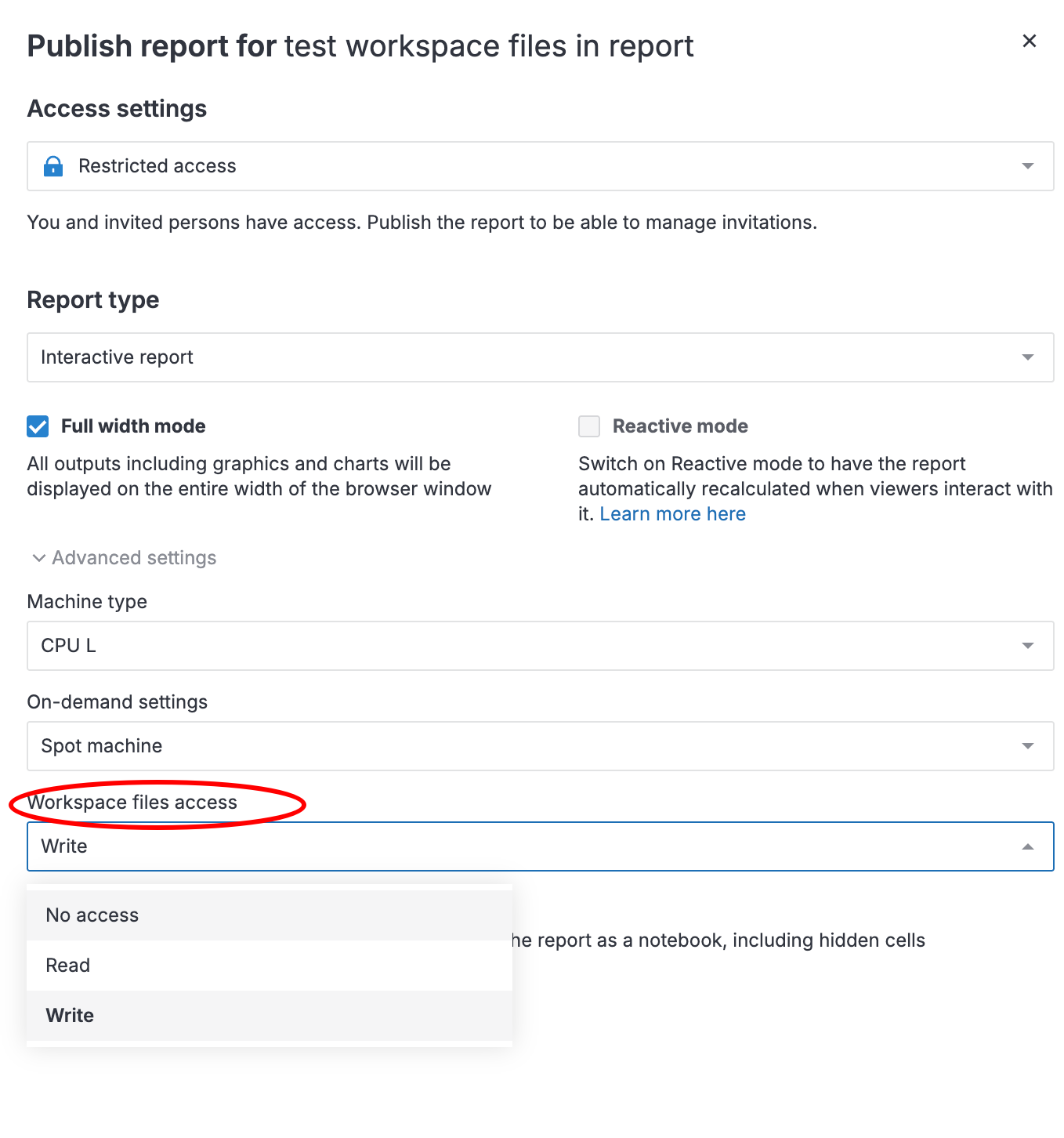
Around 6 month ago I published an interactive python report that used workspace files. If I open exactly that report now, the interactivity works as it should (you select a dataset from the workspace folder, the report proceeds with reading this data and doing stuff). However, if I clone the underlying notebook and try to publish the report again, switching to interactive mode reveals the following message: “Workspace files cannot be accessed for reports
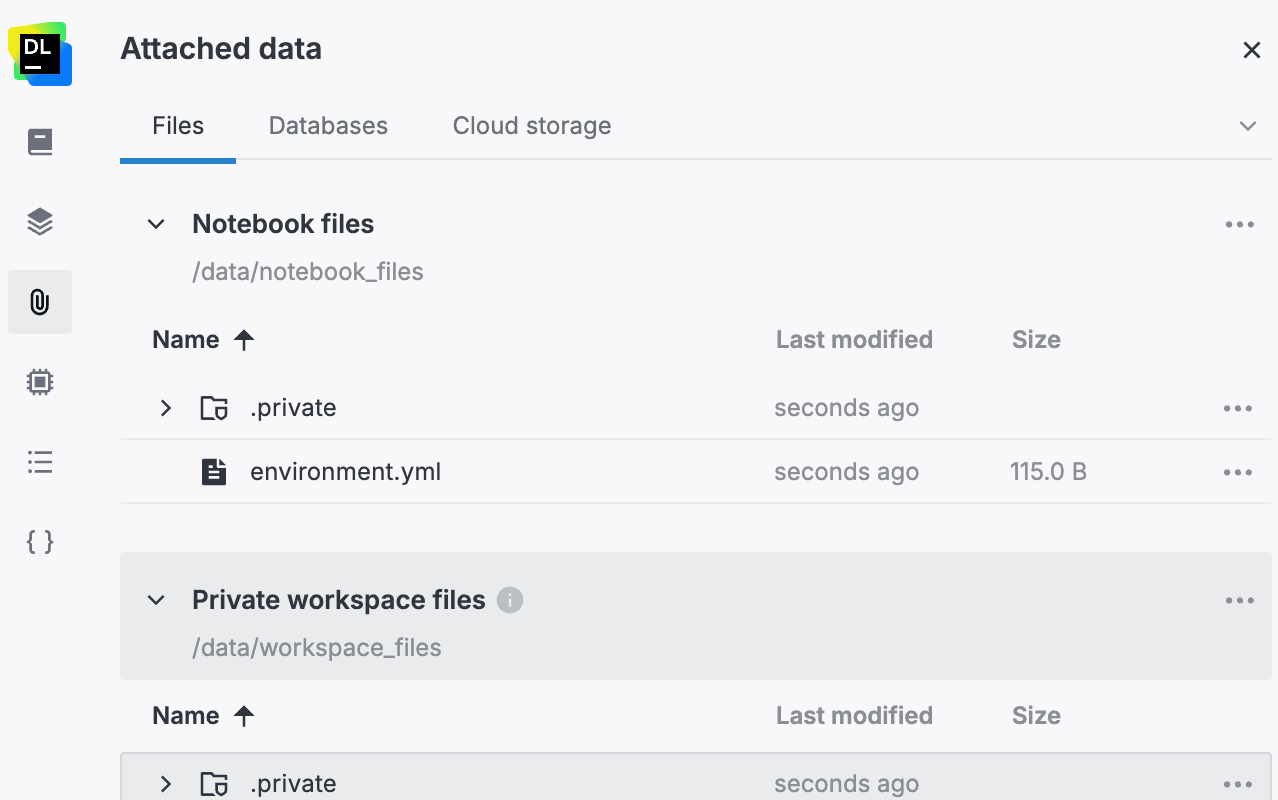
To use such files, copy them to Attached data/Notebook files.”
Then, when I publish, interactivity stops working, telling me that “there is no such file or directory”, referring to the files from the workspace. How come? It was quite a convenient feature. Is it possible to go back to the state 6 months ago? Are there any workarounds apart from adding required data to the underlying notebook (this will force redundant duplication of moderately sized files)?
TLDR: how do I interact with workspace files from the interactive report?